

Professional WordPress Website Updates: to Keep Your Website Secure, Fast, and Working Properly
A Safe and Reliable Process
A practical guide to update your WordPress Website
📖 ~6 min read | 🎯 Small & Medium Businesses | 💡 Strategy + Cost Guide
As a Web Development Agency, one of the most common tasks we handle every month is updating WordPress websites, checking website functionality, improving security, and making sure potential issues are identified before they become serious problems.
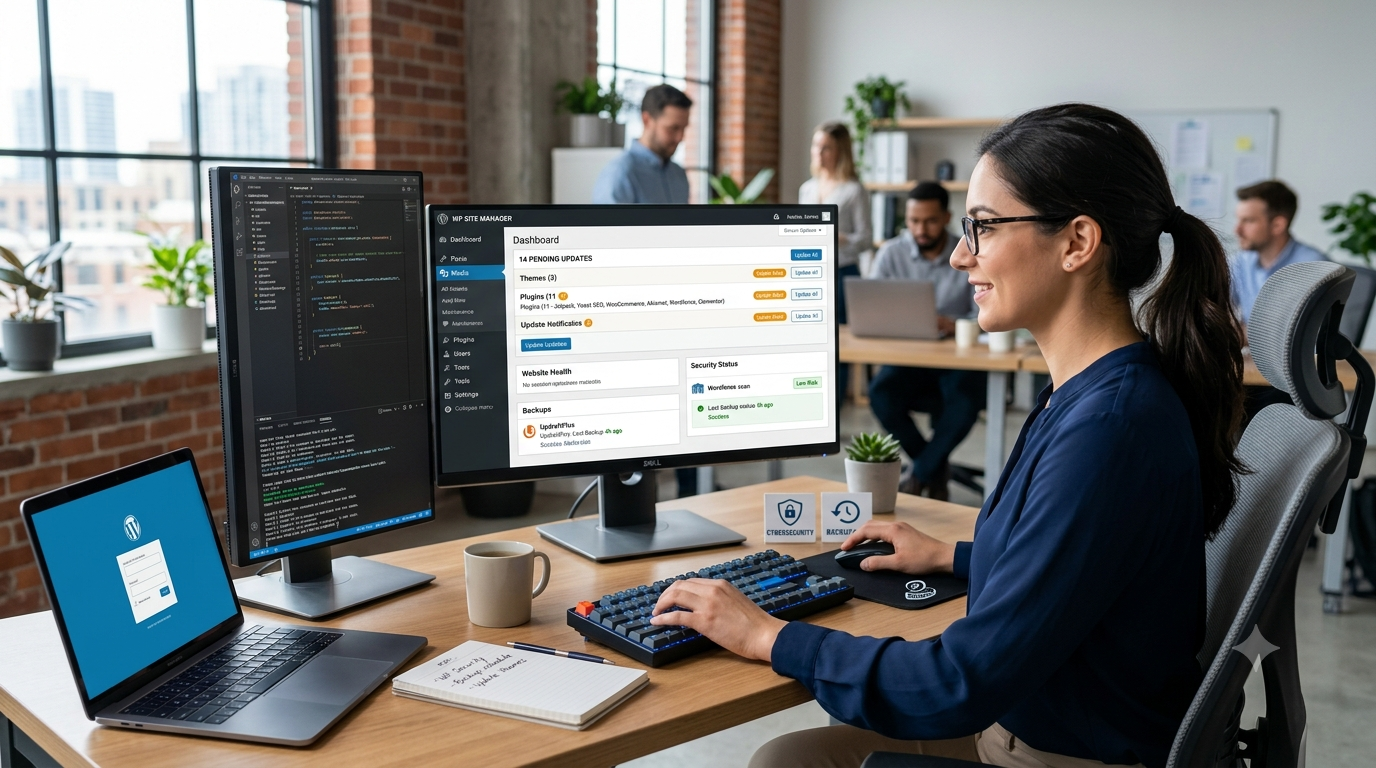
Many website owners think WordPress updates are simple:
- Log in to WordPress
- Click update plugins
- Update the theme
- Clear the cache
- Done
But anyone who has managed WordPress websites professionally knows there is much more involved.
A single incorrect update can create unexpected problems, such as:
- A homepage layout suddenly breaking
- A contact form stopping email delivery
- A page builder causing design issues
- A plugin conflict affecting website functionality
- Website errors appearing after a routine update
- Slow loading times after changes are applied
That is why professional WordPress maintenance is not just about clicking the update button. It requires a structured process, proper backups, testing, and careful monitoring.
Our approach to WordPress website updates focuses on keeping websites secure, stable, and fully functional while reducing the risk of downtime or unexpected problems.
Why Regular WordPress Website Maintenance Is Important
WordPress powers millions of websites around the world, but because it is such a popular platform, it is also a common target for security attacks.
Regular WordPress updates help protect websites from:
- Security vulnerabilities
- Outdated software issues
- Plugin compatibility problems
- Performance slowdowns
- Website errors caused by old versions
Keeping WordPress core, themes, and plugins updated is one of the most important parts of website security.
However, updates should not be performed without preparation.
A professional WordPress website maintenance process should include:
- Website backups before updates
- Testing after updates
- Checking important website functions
- Monitoring for errors
- Fixing compatibility issues when needed
This is the difference between simply updating a website and properly maintaining one.
Our WordPress Website Update Process
Every website is different, so we follow a careful and repeatable process when performing monthly WordPress updates.
The goal is simple:
Keep the website updated, secure, and working exactly as expected.
Step 1: Managing Websites Through ManageWP
For websites that require regular maintenance, we use ManageWP to organize and monitor updates efficiently.
ManageWP allows us to manage multiple WordPress websites from one dashboard, making it easier to:
- Monitor website status
- Perform updates safely
- Generate maintenance reports
- Track website activity
Before making any changes, we review the website and prepare for the update process.
Step 2: Creating Backups Before Any Changes
The most important rule of website maintenance is:
Never update a live website without a backup.
Before updating anything, we create a database backup using UpdraftPlus.
We keep database backups available from the previous upto 30 days so that there is a recovery point if something unexpected happens.
We also create a backup of the website files, especially the wp-content folder, directly through cPanel.
The wp-content folder contains important website elements, including:
- Themes
- Plugins
- Uploaded images
- Website customizations
We organize backups with dates so they are easy to identify.
To keep storage usage under control, we remove older backups and normally keep a maximum of two recent website backups.
This backup-first approach provides an extra layer of protection before making any changes.
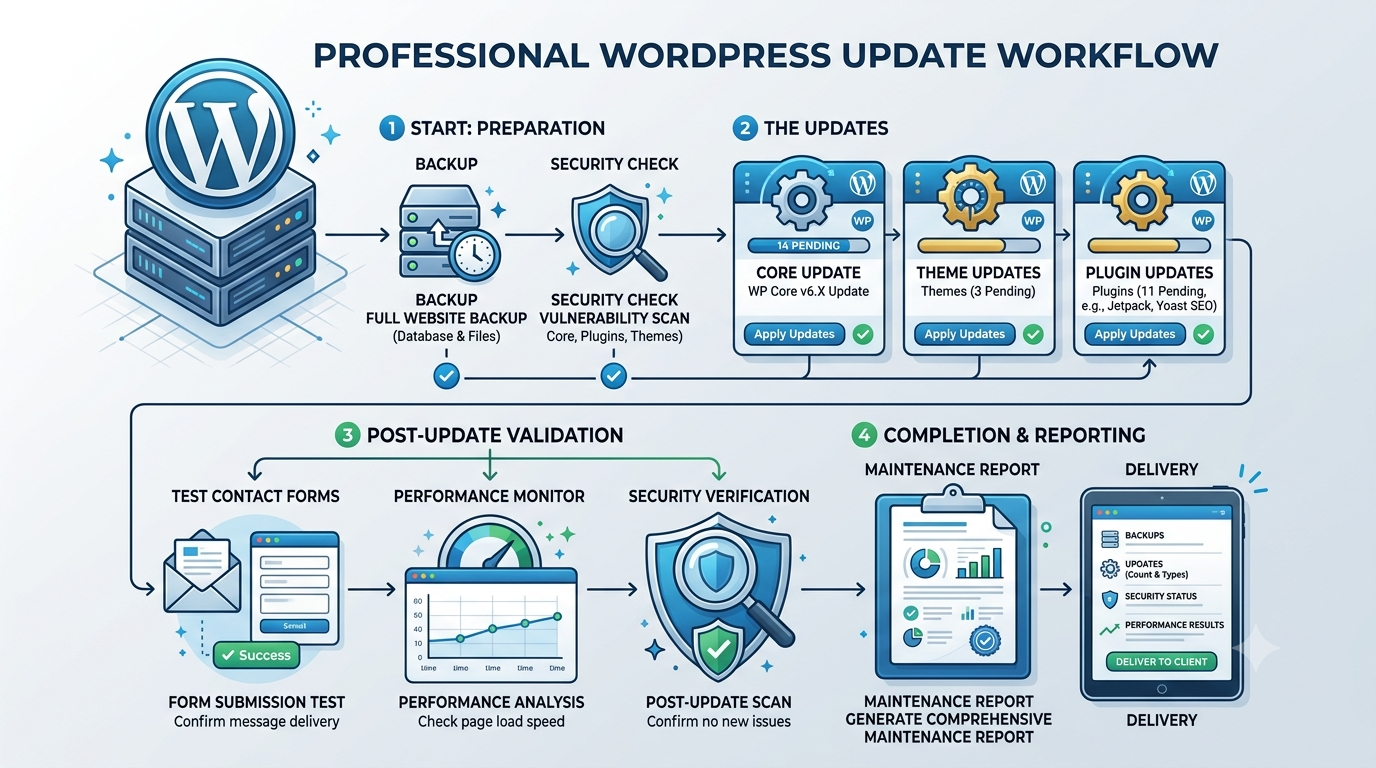
Step 3: Checking the Website Before Updates
Before updating anything, We open the website homepage in a browser tab.
This gives us a reference point.
We check:
- The website layout
- Images
- Navigation menus
- Main sections
- Contact information
- Overall appearance
This helps identify whether any changes after the updates are caused by the update process.
Step 4: Updating WordPress Plugins Carefully
Not all plugins have the same level of risk.
Some plugins are simple and usually do not affect the visible website experience.
Examples include:
- Security plugins
- Small utility plugins
- Basic management tools
We update these plugins first.
After that, We move to more important plugins that can directly affect the website design or functionality.
These may include:
- Page builder plugins
- Gallery plugins
- WooCommerce-related plugins
- Form plugins
- Performance optimization plugins
These updates require more attention because they can change how the website looks or works.
After updating important plugins, We check the website again to make sure everything is functioning correctly.
Step 5: Updating the WordPress Theme
The WordPress theme controls much of the website design and structure.
Theme updates can sometimes affect:
- Page layouts
- Custom styling
- Header and footer sections
- Mobile responsiveness
After updating the theme, we carefully review the website again.
The goal is to confirm that the website still looks professional across different pages and devices.
Step 6: Testing Contact Forms and Website Functions
A website is not only about appearance.
Important features must continue working.
One of the first things we check is contact forms.
A website may look perfect but still lose potential customers if form submissions stop working.
We check whether emails have been successfully sent through the forms after the previous update cycle.
If emails have been delivered recently, that is a good indication that the forms are functioning correctly.
We also test important website actions when required, including:
- Form submissions
- Buttons
- Links
- Search functions
- Ecommerce features
- User interactions
Step 7: Clearing Cache and Checking the Live Website
After updates are completed, We refresh the website cache.
Caching systems can sometimes display an older version of a page, so clearing the cache ensures visitors see the latest version of the website.
Then we open the homepage in an incognito browser window.
This gives us a visitor perspective without stored browser data affecting the result.
We compare the updated website with the original reference tab.
The homepage is often the first place where problems become visible, so it receives special attention.
Step 8: Fixing Any Issues After Updates
Most WordPress updates go smoothly.
However, sometimes an update can create unexpected compatibility issues.
Examples include:
- Plugin conflicts
- Layout changes
- Styling problems
- JavaScript errors
- Broken features
If an issue appears, We investigate the cause and resolve it.
In some cases, the best solution is temporarily rolling back a plugin version until a compatible update is available.
The priority is always keeping the website stable and available for visitors.
Step 9: Checking Website Pages
After confirming the homepage works correctly, We review additional pages.
For smaller websites, we check all pages.
For larger websites, we focus on important areas, such as:
- Service pages
- Blog articles
- Portfolio pages
- Landing pages
- Pages using custom layouts
This helps ensure that different website sections continue working properly.
Step 10: Providing a Maintenance Report
Once everything has been checked, we generate a maintenance report through ManageWP.
This provides a clear overview of:
- Updates completed
- Website maintenance activity
- Backup status
- Website condition
Clients can see that their website has been properly maintained rather than simply updated.
Professional WordPress Maintenance Helps Prevent Bigger Problems
Regular WordPress maintenance is an investment in website reliability.
Small issues are much easier to fix when they are identified early.
Without regular updates and monitoring, websites can experience:
- Security problems
- Broken functionality
- Poor performance
- Compatibility issues
- Loss of customer enquiries
A professionally maintained WordPress website gives you peace of mind that your online presence is protected and working correctly.
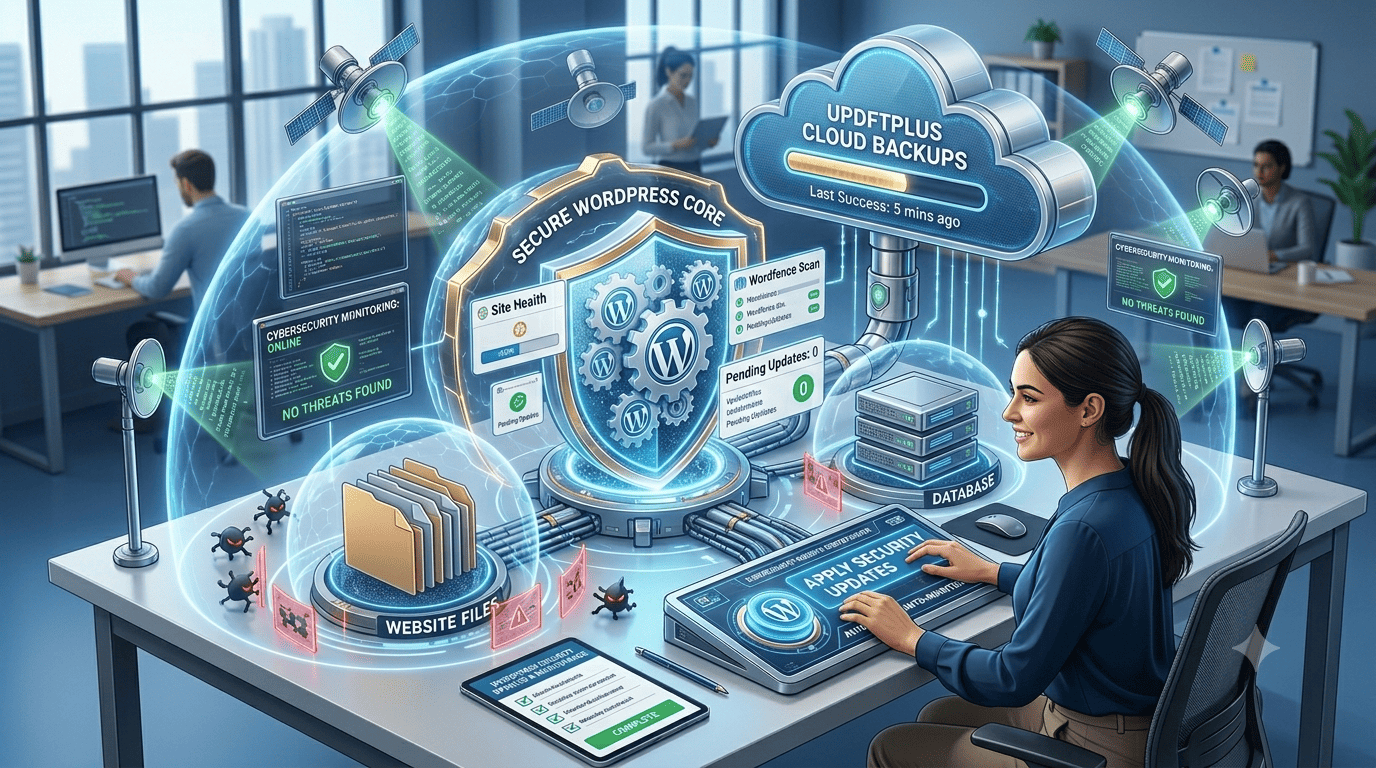
Need Help Updating or Maintaining Your WordPress Website?
If your WordPress website needs updates, security checks, plugin fixes, performance improvements, or ongoing maintenance, we can help.
Whether you need a one-time WordPress update, regular monthly website maintenance, plugin troubleshooting, theme adjustments, or other web development tasks, we provide careful and reliable support.
Instead of risking website problems from incorrect updates, let your website be handled with a proper maintenance process.
Contact ua through the website contact form and let’s discuss how we can help keep your WordPress website secure, updated, and running smoothly.
| Ready to Build a Website That Works for Your Business? Our team specializes in web and custom application development for small and medium businesses across the US. We build fast, beautiful, conversion-focused websites — and we’re happy to walk you through your options with zero pressure. Let’s talk about what your website could be doing for your business. 👉 Get Your Free Website Consultation Today |